
Setup
Destiny 2 Cheat Menu: Recommended Default Settings
The cheat menu is where most players overconfigure on day one. Start with these ESP, radar, and aimbot defaults, then adjust after a few activities — not before your first match.
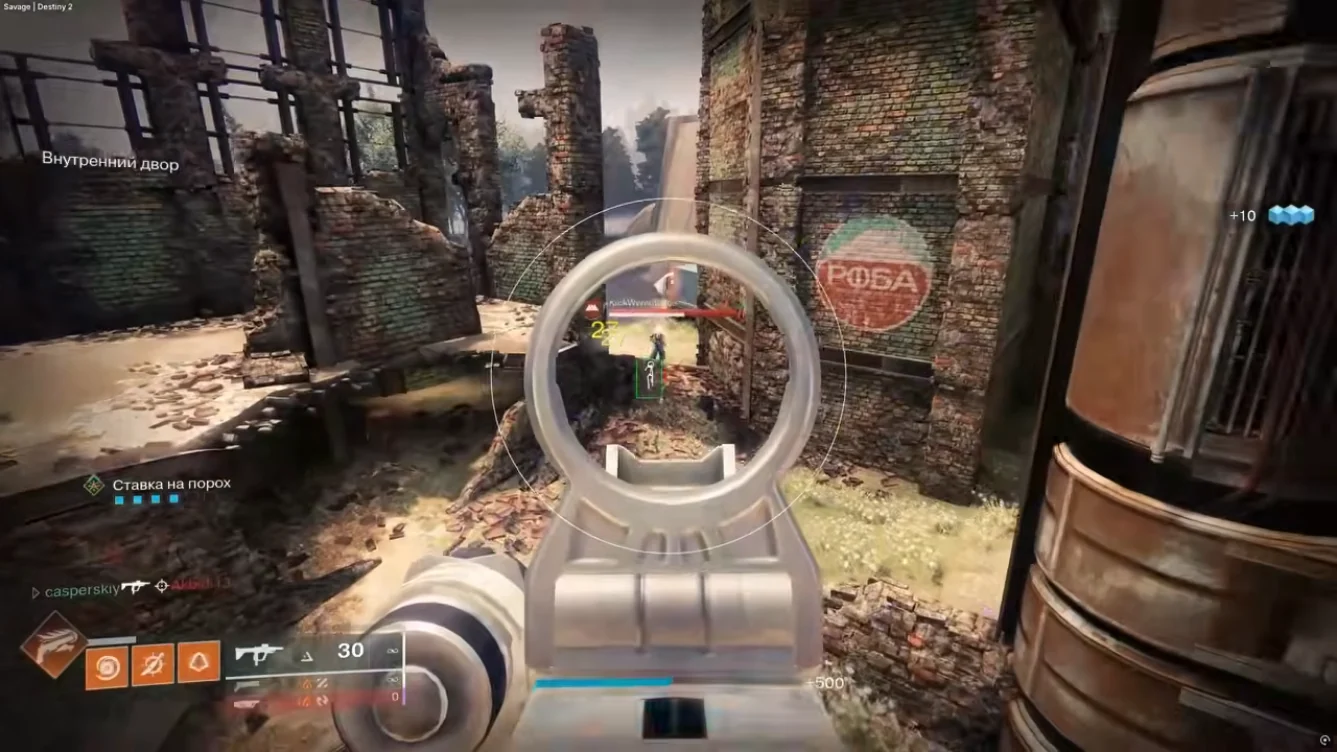
ESP defaults
Player boxes on, distance on, loot off for PvP. Skeleton optional — boxes alone are cleaner. Opacity 60–70% for day activities, lower for bright zones.
Category reference: ESP and ESP explained.
Radar defaults
Range: medium. Show directional chevrons for off-screen threats. Disable radar during cutscenes if your build allows — some menus stay open in social spaces.
radar pairs with ESP — radar for early warning, ESP for precision.
Aimbot defaults and hotkeys
FOV: small. Smoothness: high. Bind toggle to a key you can hit without looking — disable aimbot when looting or emoting. Match in-game sensitivity before tuning cheat FOV.
Related Destiny 2 cheat pages
Destiny 2 cheats covers the full ESP, radar, and soft aim stack for Windows PC. Pair this guide with Features for control details and Status before patch-day queues.
Ready to buy? Compare Pricing plans, follow Setup after delivery, and email support with your order ID if activation fails after a rebuild.