
Setup
Test Your Cheat Settings Before You Queue
Launching straight into Trials with untested aimbot FOV is how you get reported. Spend ten minutes testing ESP alignment, radar range, and soft aim smoothness in a private activity before you queue.
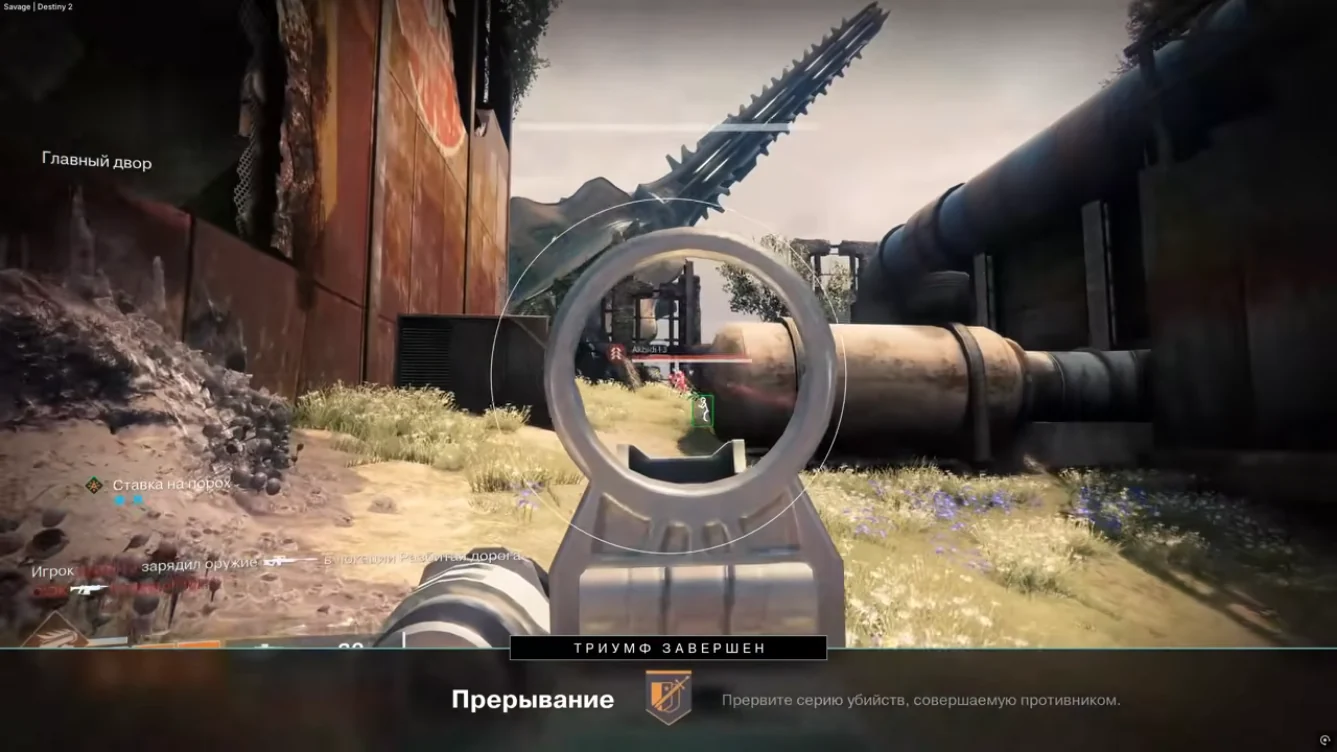
Five-minute ESP check
Enter a private patrol or empty social space. Confirm player boxes align with models. Toggle loot categories and verify markers appear on chests. Adjust opacity if boxes clip through UI.
ESP docs list every toggle — fix alignment here, not in Trials.
Radar and aimbot smoke test
Walk a loop — radar should ping threats before ESP when enemies are off-screen. Fire at a stationary target with aimbot on lowest strength; increase until tracking feels helpful, not magnetic.
Profile tips: aimbot settings.
Before every session
Check Status after patches. Confirm hotkeys work. Load the right preset for your activity — PvP vs raid farm.
Full install path: Setup and Destiny 2 cheats.
Related Destiny 2 cheat pages
Destiny 2 cheats covers the full ESP, radar, and soft aim stack for Windows PC. Pair this guide with Features for control details and Status before patch-day queues.
Ready to buy? Compare Pricing plans, follow Setup after delivery, and email support with your order ID if activation fails after a rebuild.